Online dieline design and parametric box blank sizing
This page introduces the tool. The live engine runs in the box showcase: pick a model, enter dimensions and board caliper, and get a dieline with cut and crease.
What is a dieline and why must it be sized accurately?
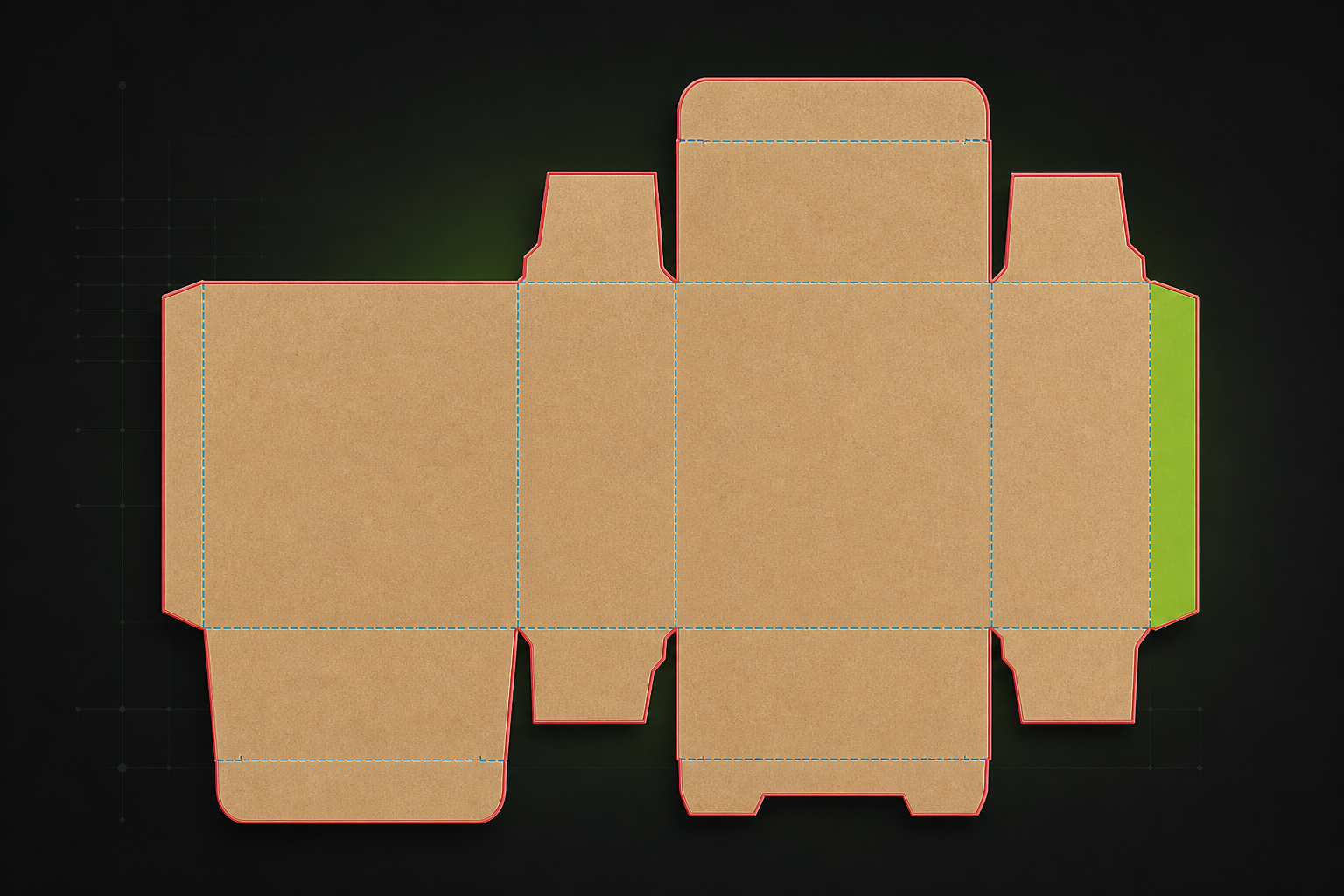
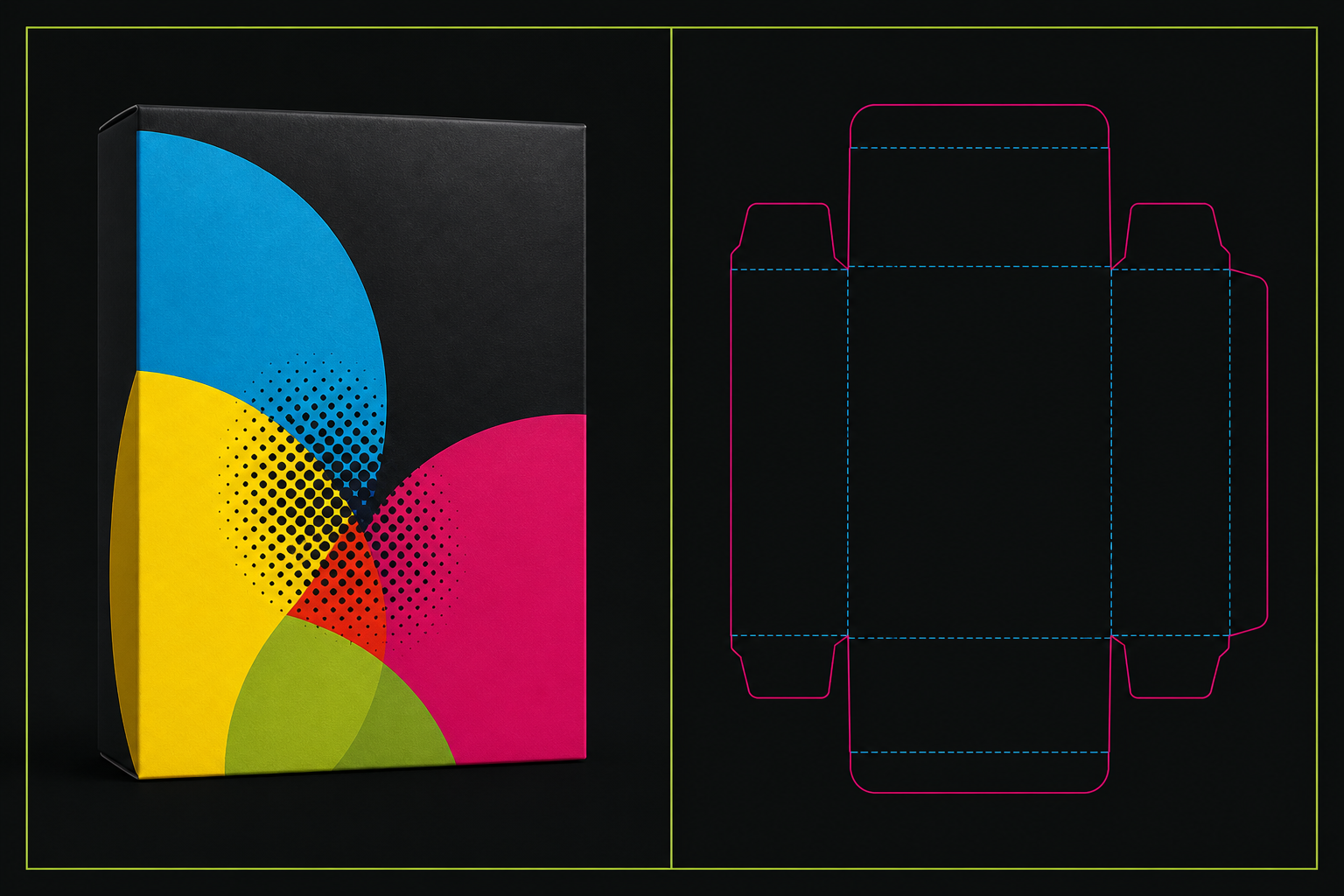
A dieline is the flattened blank of a box: cut (knife) lines, crease (matrix channel) lines and glue flaps. A small error in board thickness or crease angle leaves the lid open, the tuck unlocked, or scrap rising on the die-cutting press.
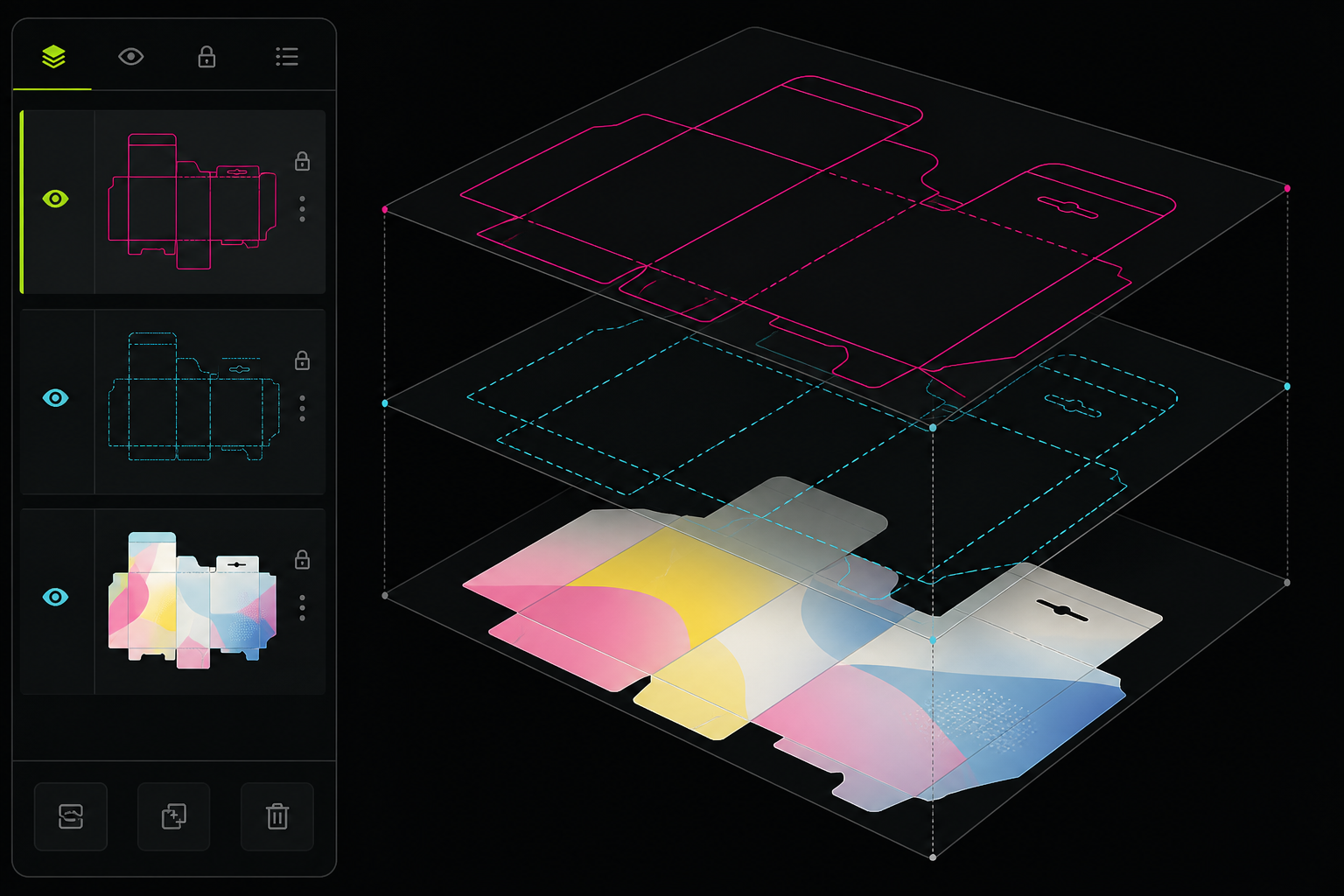
In print production, graphic designers usually place artwork on a ready dieline; die makers and laser shops need clean vector output; lithographers must see the cut layer separate from CMYK. FinalPack starts all three paths from one parametric calculation.
Enter internal box dimensions, choose a structure model (e.g. pharma Tuck End, RSC or fast-food), and blank size, glue flap and board-thickness add/subtract are applied automatically.
Automatic correction of flaps, fold edges and lid interference for folding carton, kraft or multi-ply board — matching carton-plant practice.
Standard market structures
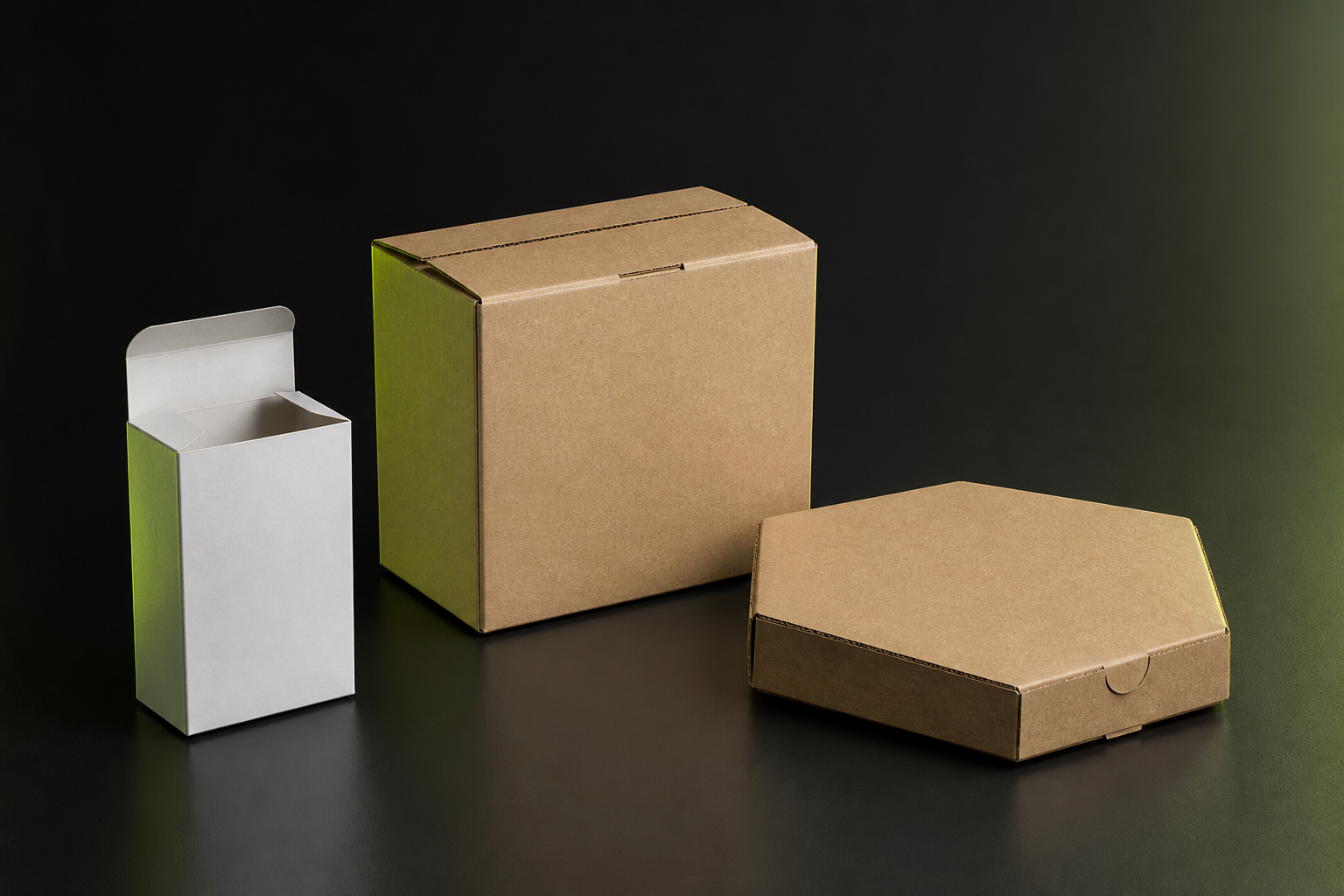
Common styles covered: pharma tuck-end, RSC, fast-food, six-corner, sleeve and boxes with a standard glue flap.
Separated layer output
Cut, crease and perforation layers in separate vectors — ready for Illustrator, CorelDRAW and lithography.
Preview before export
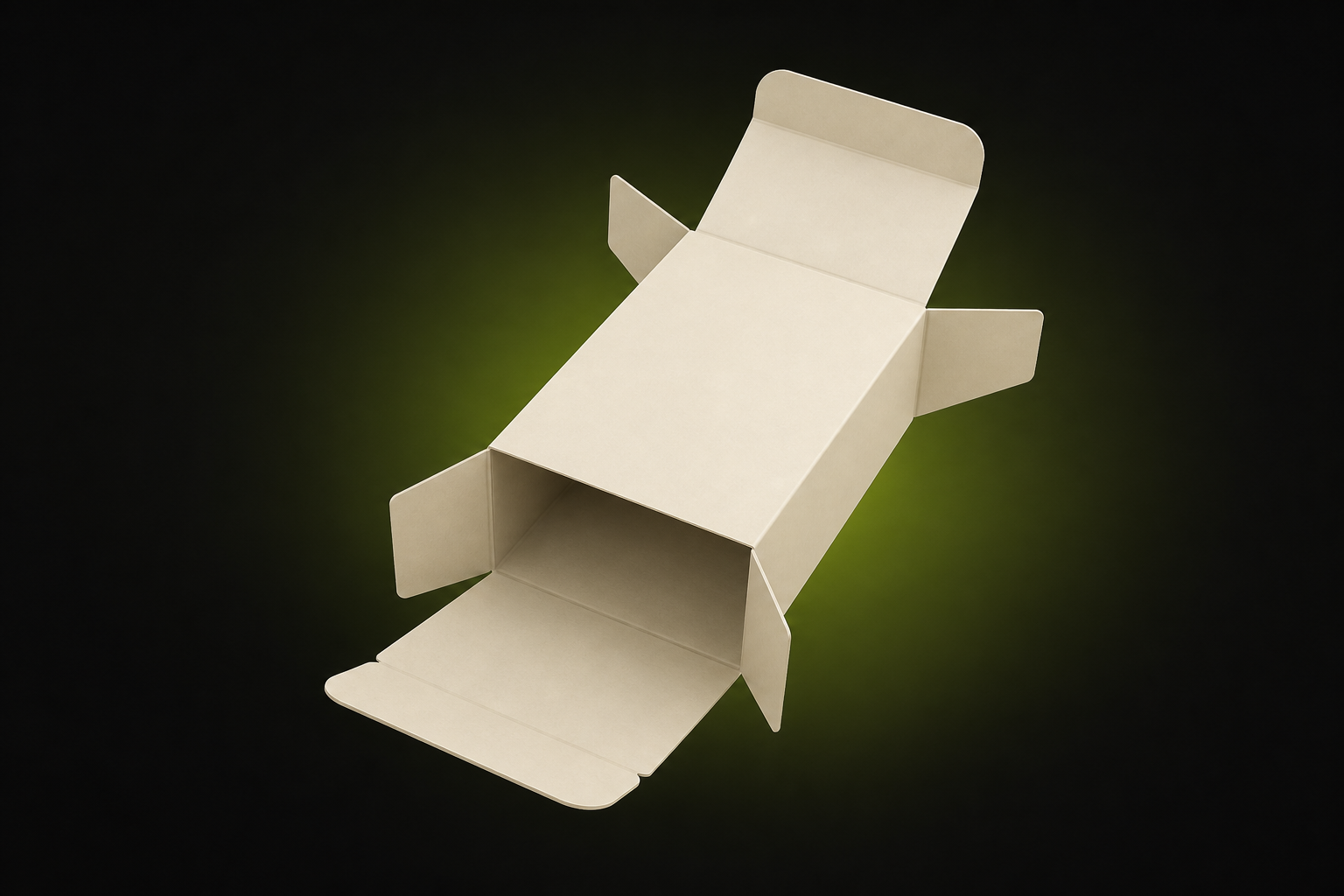
Check open and closed form in 3D so locks are correct before the file goes to the die maker.
Technical guide
Which dimensions are needed for a dieline?
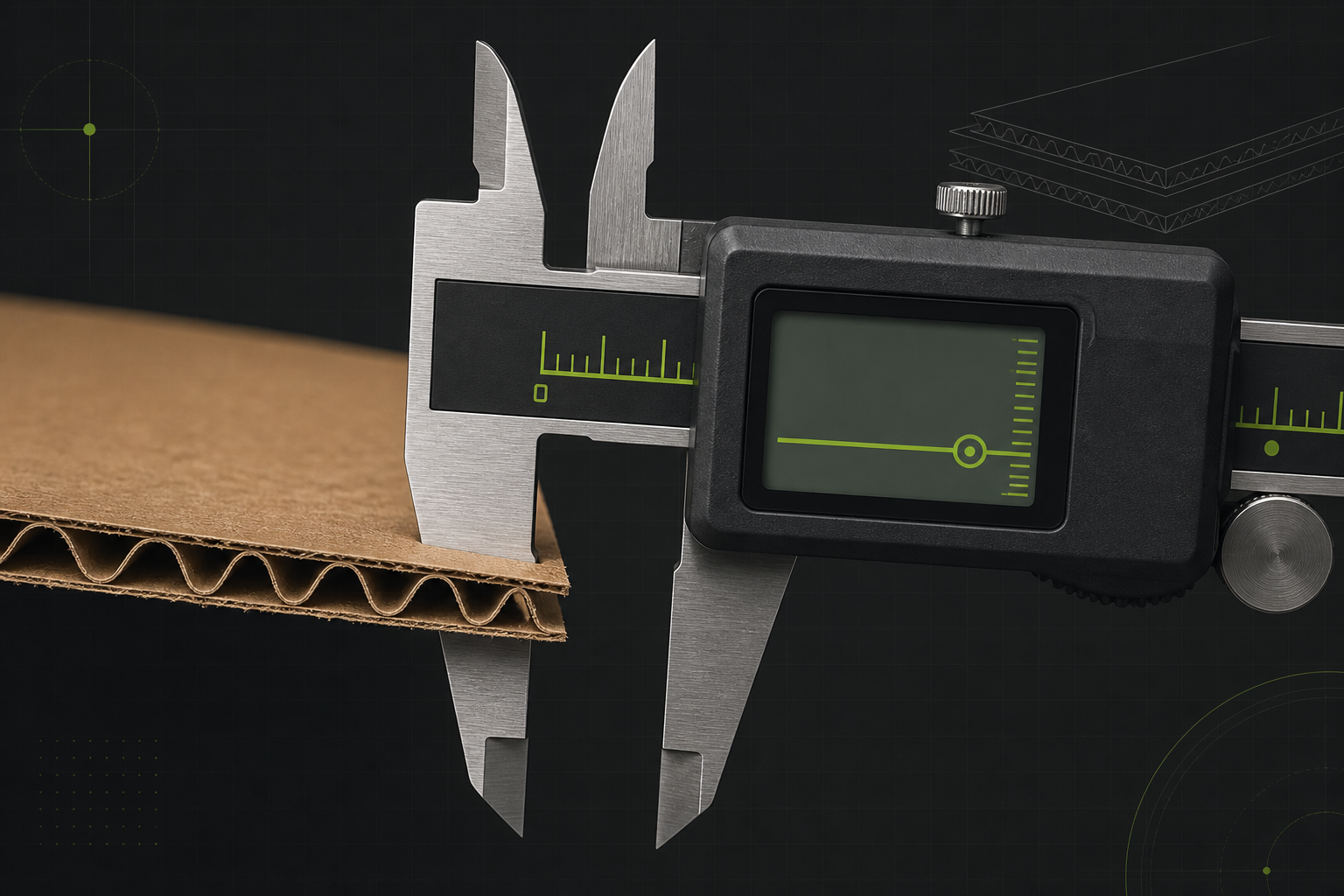
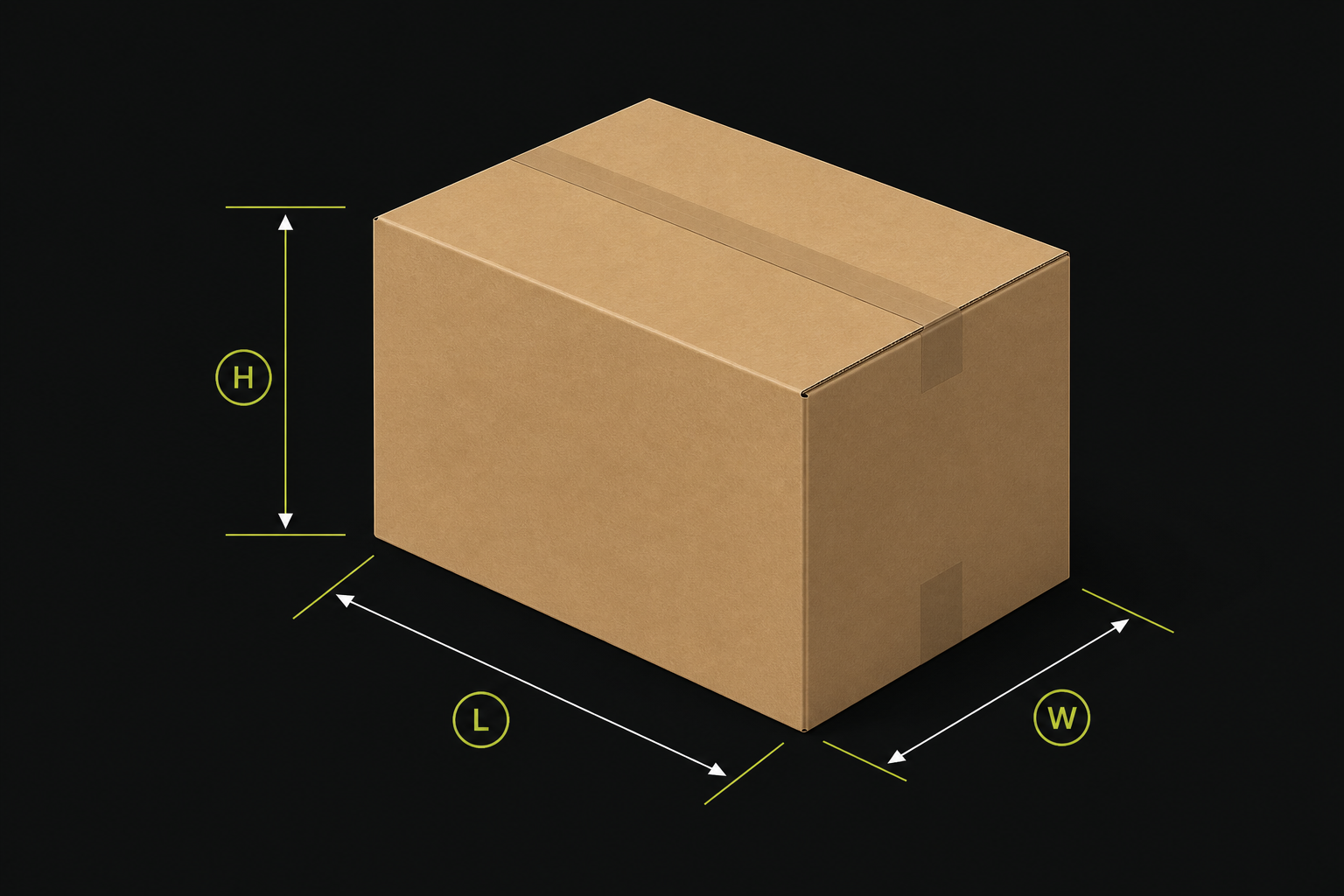
Parametric dielines need four main values: internal length, width and height (mm) plus board thickness or grammage. On some models, glue-flap width or lid type (Tuck, Reverse Tuck) also changes the blank.
If you measure from a physical sample, size the inside of the box — not the outside carton — because wall thickness is already in the calculation.
Internal L × W × H (mm)
Board thickness or grammage (e.g. 350 gsm folding carton)
Structure type (pharma, RSC, fast-food)
Single- or double-sided glue flap if required
L × W × H labelled on the structure — for user guidance.
Who uses the output
Who is the dieline output for?
A graphic designer can place the CMYK layer on the blank PDF; a die maker sends the cut layer to CNC or laser; a lithography operator separates layers for plates. One accurate dieline up front cuts die rework and print scrap.
Graphic designers and packaging studios
Die makers and laser die shops
Lithography and prepress units
Packaging teams for FMCG and pharma brands
Dieline vs graphic print file
Artwork (the printed design) and the dieline (cut and crease map) are separate layers. The cut line must not sit inside colour screens unless Overprint is controlled; keep text at least 3 mm inside the cut; a 3 mm bleed is required for offset.
After you generate the dieline, run the print-file prepress checklist before sending to the press.
The live engine runs under /my/box — enter from the box showcase
1
Open the box showcase
Use “Open the dieline engine” to go to /my/box-showcase.php and choose a model.
2
Enter dimensions and board
Internal L×W×H + board caliper; the engine applies add/subtract.
3
Check the 3D preview
Verify lid, tuck and glue flap before final export.
4
Download blank PDF/SVG
Hand off to the graphic designer, die maker or lithography.
FAQ
What is the difference between dieline and box structure?
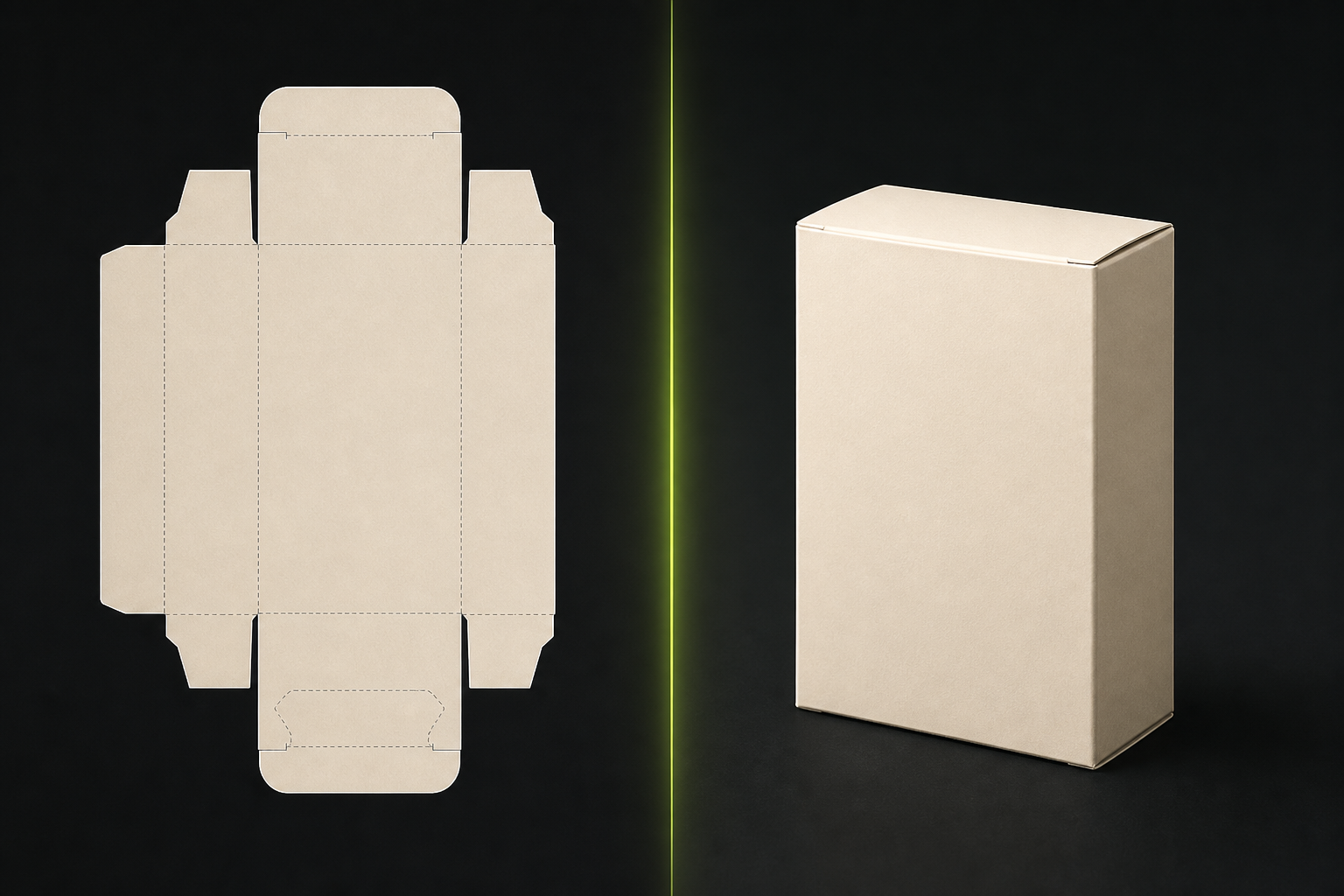
Structure is the geometry and lock type (e.g. Tuck End or RSC). The dieline is the 2D blank of that structure with cut and crease lines that print and cut on the board sheet.
Is the output suitable for a laser die?
Yes. Vector output with a separate cut layer is prepared so die-maker software and CNC/laser machines can use it without redrawing by hand.
How does board thickness affect the dieline?
As thickness increases, crease angles and lid flaps must be added or subtracted; otherwise corners gap or the lid is hard to close.
What should I do after the dieline?
Place artwork on the blank, then run the prepress checklist (CMYK, bleed, cut-line Overprint) and send the file to lithography.